
Download CapCut – Video Editor 19.1.0 on Android

- Android 5.0+
- Version: 19.1.0
- 300 MB
Updated to version 19.1.0!

CapCut – Video Editor APK is a popular mobile video editing app designed for users who want to turn everyday clips into polished, engaging videos without relying on complicated desktop software. With an accessible interface, a wide selection of editing tools, creative effects, transitions, text options, and audio features, CapCut makes it easier to create content for social media, personal projects, and short-form videos directly from an Android device.
What Makes CapCut – Video Editor APK Worth Trying?
Video editing on a phone has changed significantly in recent years. Instead of transferring footage to a computer and learning complicated software, users can now complete many editing tasks from a touchscreen. CapCut takes this idea further by combining basic editing controls with creative tools that are suitable for both beginners and more experienced creators.
The application is built around a straightforward workflow. Import your clips, arrange them on the timeline, make adjustments, add creative elements, and preview the finished project before exporting. This approach keeps the editing process relatively simple while still providing enough flexibility for different types of content.
Clean and Beginner-Friendly Editing Interface
One of CapCut’s strongest points is its approachable interface. The main editing tools are organized so users can quickly find functions such as trimming, splitting, adjusting speed, adding text, applying filters, or changing audio. Beginners can experiment with individual tools without having to understand advanced editing terminology first.
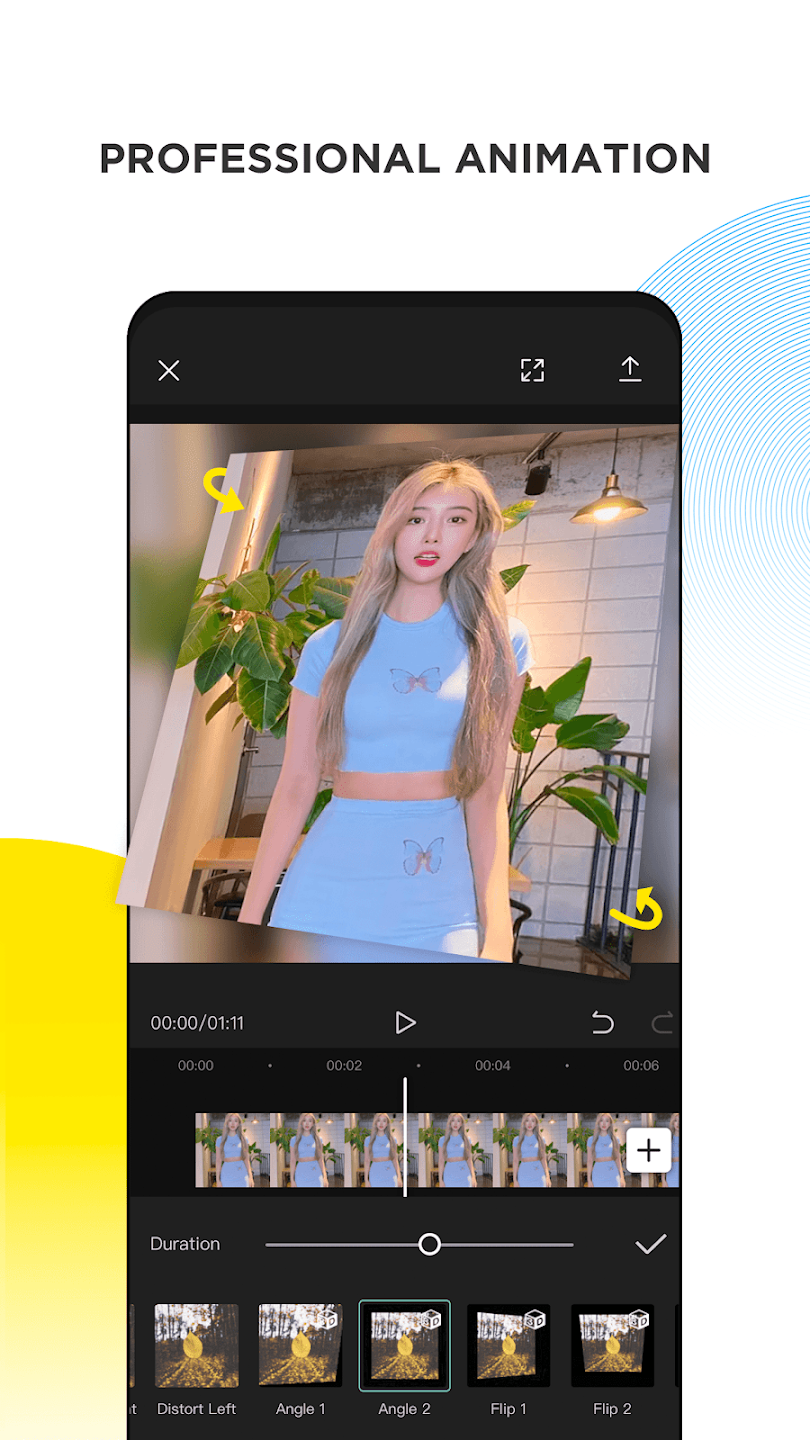
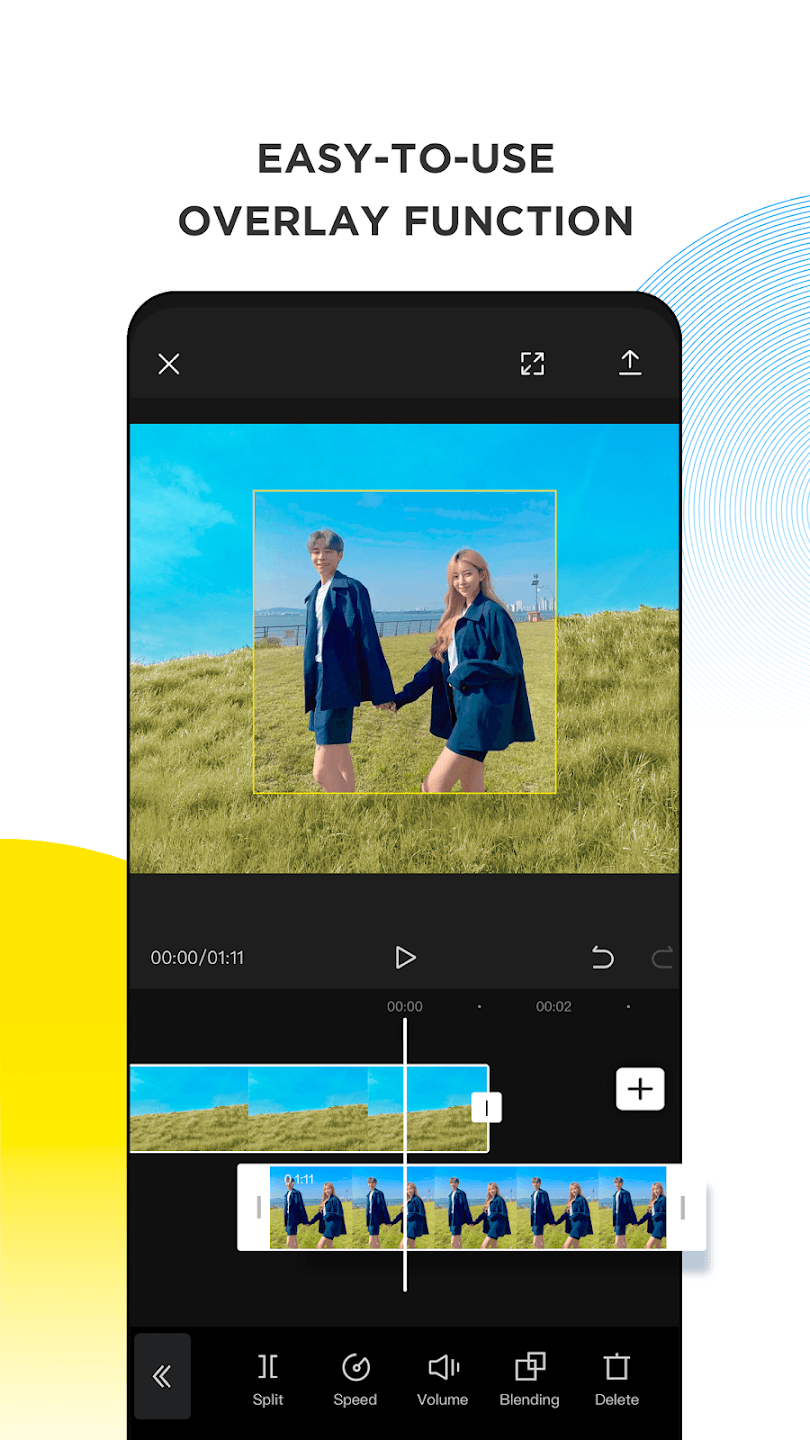
At the same time, the timeline gives creators more control when they want to make precise changes. You can arrange multiple clips, adjust their duration, and build a sequence that matches the style of your project.
Creative Features for Better-Looking Videos
Trim, Split, and Rearrange Clips
Good editing often starts with removing unnecessary footage. CapCut provides practical timeline controls for cutting unwanted sections, splitting longer clips, and rearranging scenes. These simple functions are especially useful when creating short videos where every second matters.
Transitions and Visual Effects
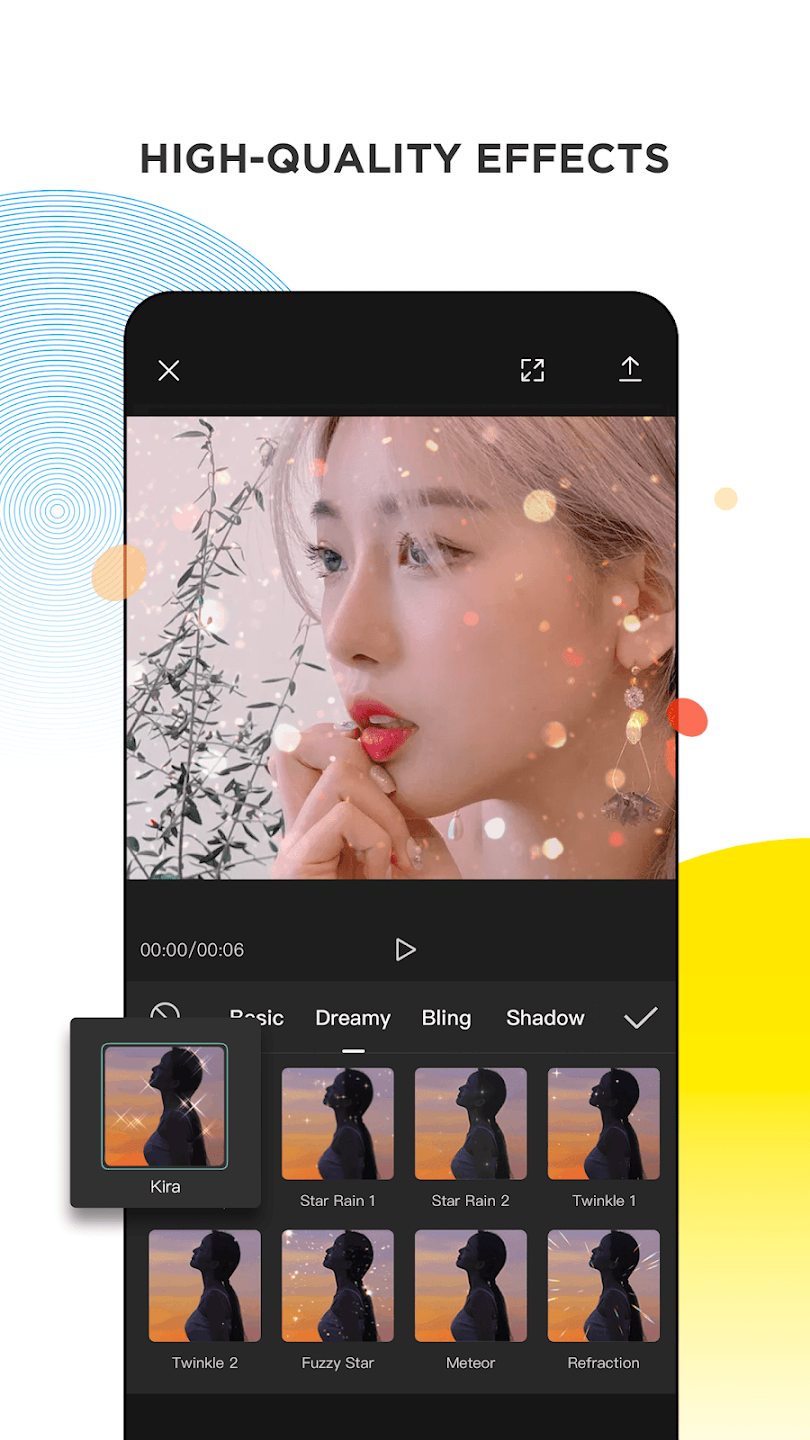
Transitions can help different scenes flow together more naturally. CapCut offers a variety of transition styles and visual effects that can be combined with individual clips. Rather than relying on a single effect throughout an entire project, creators can choose different options depending on the mood and pacing of each scene.
Filters and visual adjustments can also change the overall appearance of footage. A subtle filter may be enough for a casual vlog, while stronger effects can create a more energetic style for entertainment-focused content.
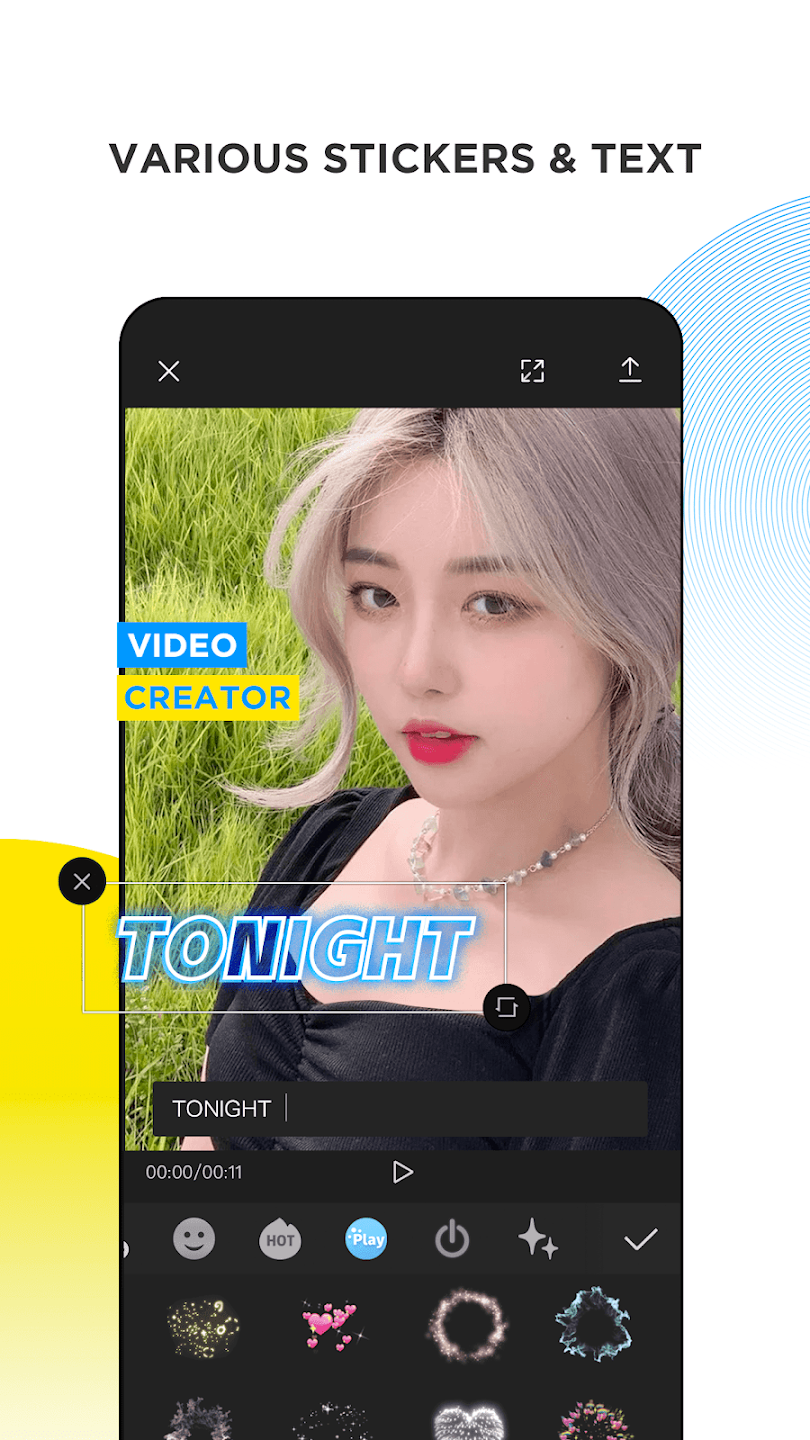
Text, Stickers, and Captions
Text is another important part of modern short-form video. Whether you need an opening title, subtitles, an explanation, or a simple callout, CapCut provides tools for placing text over your footage. Stickers and other decorative elements can also add personality to a project.
For creators who publish videos on social platforms, captions can be particularly useful because viewers may watch content without sound. Clear on-screen text can help communicate the main message while making the video easier to follow.
Audio Editing and Music Options
Visuals are only one side of a good video. Background music, sound effects, and voice recordings can completely change how a scene feels. CapCut includes audio-related tools that allow users to add music, adjust sound placement, and combine different audio elements with video.
A useful approach is to keep background music at a comfortable level so that narration or important dialogue remains understandable. Small changes in timing can also make cuts feel more natural, particularly when scenes are edited to match the rhythm of a soundtrack.
Speed Control for More Dynamic Content
Changing playback speed can create surprisingly different results. Slowing down a moment can emphasize an action, while speeding up repetitive footage can keep the final video moving. CapCut provides speed adjustment options that make these techniques accessible without requiring advanced editing knowledge.
Speed changes can be especially effective in travel clips, gaming highlights, sports footage, tutorials, and short entertainment videos. Used carefully, they can improve pacing without overwhelming the viewer with unnecessary effects.
CapCut for Different Types of Creators
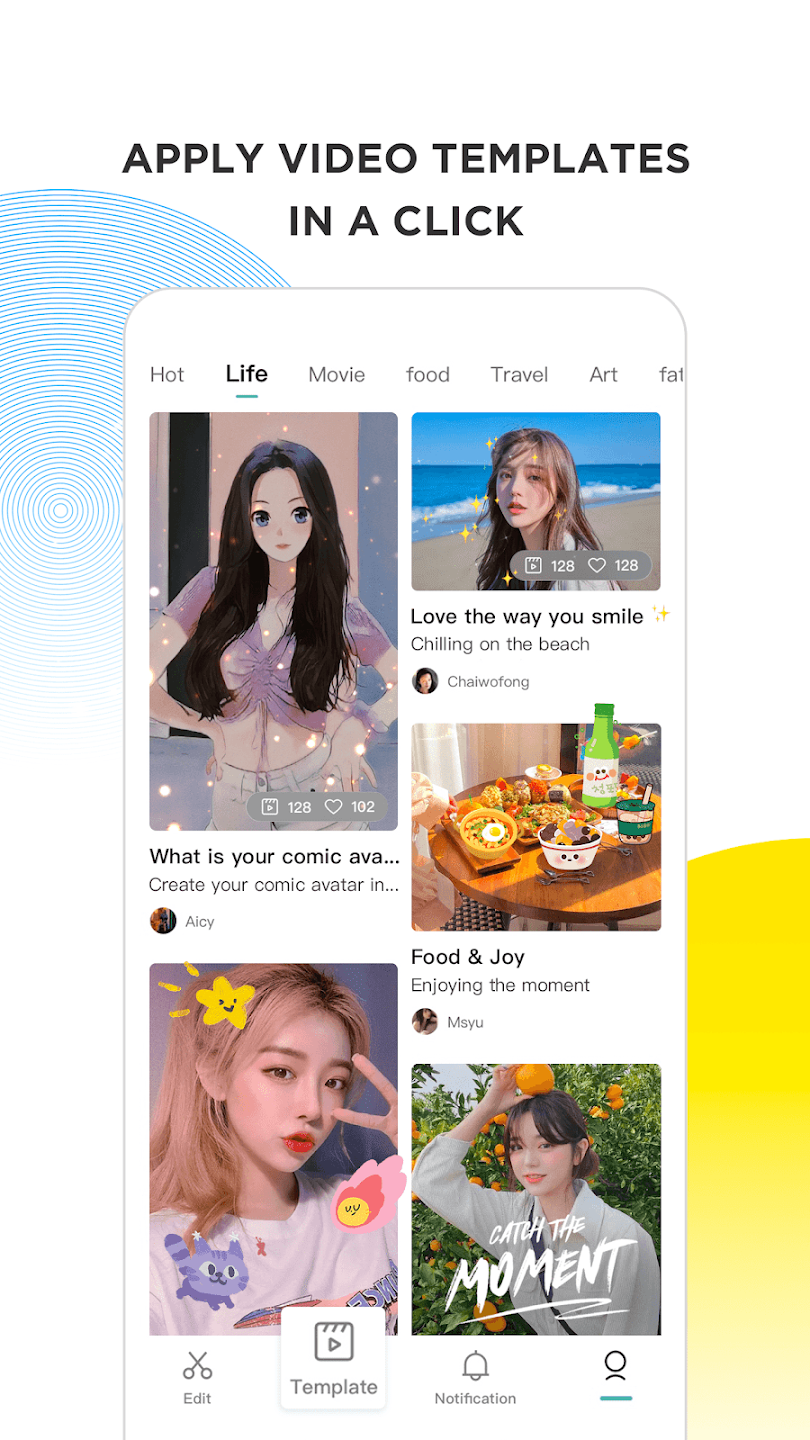
There is no single way to use CapCut. Someone creating daily social media clips may focus on quick cuts, captions, music, and templates, while another user may use the application for longer personal projects. The same collection of editing tools can therefore serve different creative workflows.
For beginners, the best strategy is to start with essential functions such as cutting, arranging, text, music, and transitions. Once these controls become familiar, experimenting with effects, speed changes, filters, and more advanced editing techniques becomes much easier.
Tips for Creating More Natural Videos
More effects do not automatically mean better editing. A clean project with well-timed cuts can often look more professional than a video filled with excessive transitions. Try to remove repetitive footage first, keep the pacing consistent, and use effects only when they support the content.
It is also worth previewing the entire project before exporting. Small problems such as sudden audio changes, awkward cuts, unreadable text, or overly long scenes are much easier to notice during a full playback.
Why Mobile Editors Prefer an All-in-One Workflow
The convenience of editing everything on one device is one of CapCut’s biggest advantages. Users can record footage, import existing clips, edit the project, add sound and text, and prepare the final video without moving between several applications.
This workflow is particularly useful for creators who need to publish content frequently. Instead of spending a long time learning complex software, they can concentrate more on storytelling, timing, presentation, and the message they want to communicate.
Things to Consider Before Using the APK
When installing an APK version of an Android application, users should pay attention to the source of the file and the permissions requested during installation. A trustworthy file is important because modified or unofficial packages can differ from the standard application.
Device performance should also be considered. Video editing can consume considerable storage, memory, and processing resources, especially when working with high-resolution footage or longer projects. Keeping enough free storage available can help prevent interruptions during editing and exporting.
Final Thoughts on CapCut – Video Editor APK
CapCut – Video Editor APK offers a practical balance between accessibility and creative control. Its timeline editing, visual effects, transitions, text tools, audio options, filters, and speed controls give mobile creators plenty of ways to transform ordinary clips into engaging videos. Whether you are making short social media content, personal memories, tutorials, or creative experiments, the app provides a convenient environment for editing directly on Android.
The most effective way to get better results is to focus on clean cuts and good pacing before adding extra effects. Once the fundamentals become familiar, CapCut’s broader creative features can help you develop a more recognizable editing style and make each project feel more personal.

- Updated:
- Price $0
- Installs 1000000+
- Rated for 12+ years
On our site you can easily download latest version CapCut - Video Editor! All without registration and send SMS!