Download Meitu APK 12.16.5 on Android

- Android 8.0+
- Version: 12.16.5
- 437 MB
Updated to version 12.16.5!

Meitu APK is a popular photo and video editing app designed for users who want to create beautiful, polished content without spending a lot of time learning complicated editing tools. From portrait retouching and creative filters to stylish effects and quick adjustments, the app brings a wide range of editing features together in one convenient workspace. Whether you are preparing photos for social media or simply want to improve your everyday pictures, Meitu offers an accessible and creative editing experience.
What Makes Meitu APK Worth Trying?
Editing a photo does not always mean spending several minutes adjusting dozens of technical settings. Meitu focuses on making the process straightforward while still providing enough creative options for different types of users. You can start with a normal photo, choose an editing style, make a few adjustments, and quickly turn it into something that looks more refined.
One of the most noticeable aspects of the app is its focus on portraits. Skin, facial details, lighting, colors, and overall appearance can be adjusted with relatively simple controls. At the same time, users who enjoy more creative editing can experiment with filters, stickers, frames, effects, and other visual elements.
Explore the Main Features of Meitu
Portrait Retouching Tools
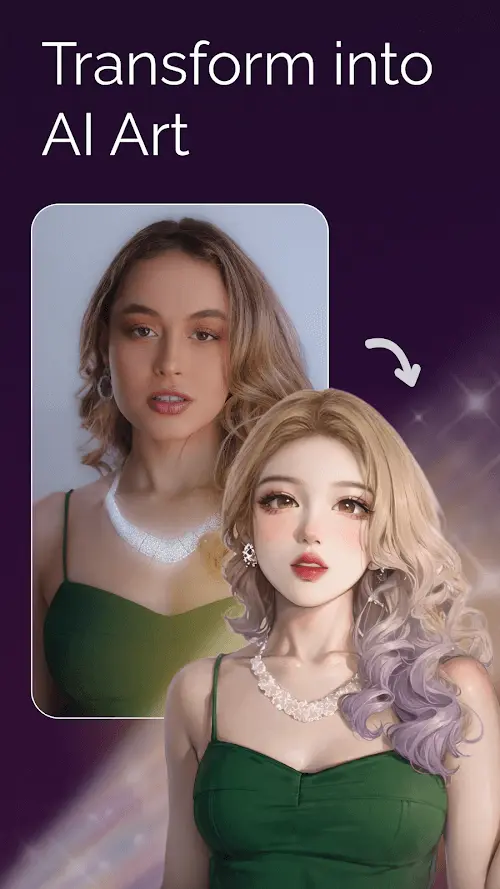
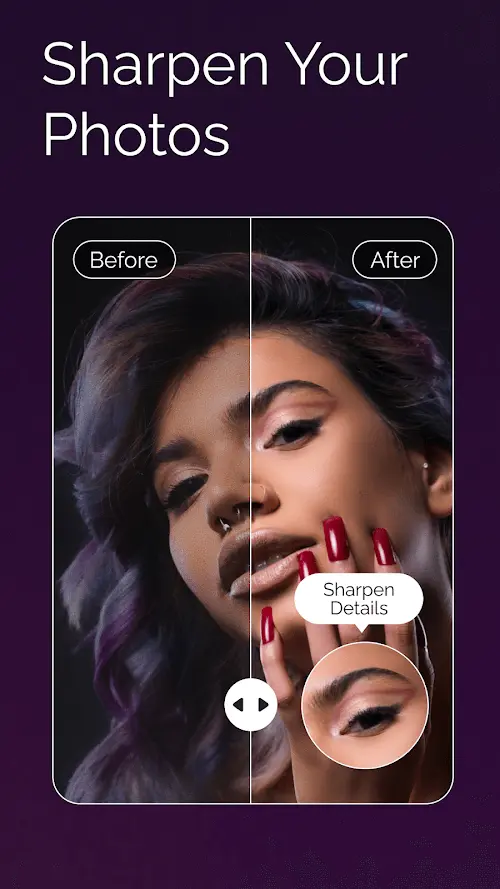
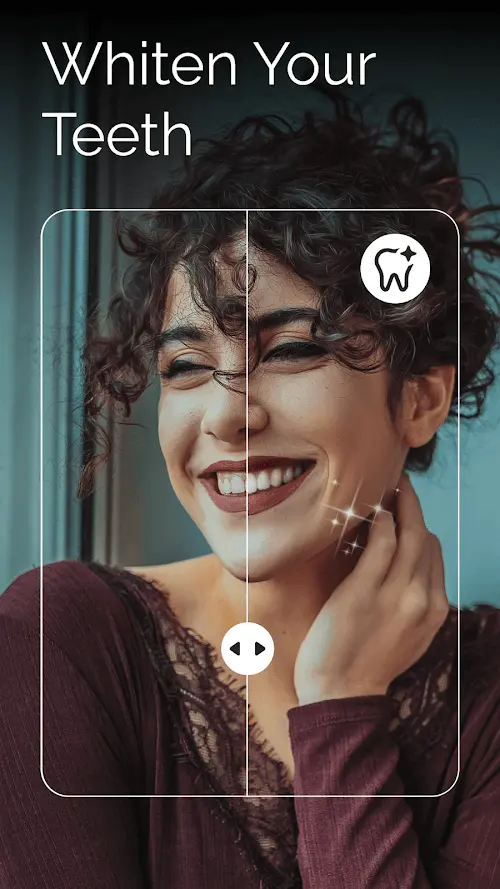
Portrait editing is one of the areas where Meitu stands out. The app provides tools that can help enhance facial details, smooth the appearance of skin, improve lighting, and make portraits look more polished. Instead of manually editing every small area, users can rely on intuitive controls to achieve a balanced result in less time.
For selfies and personal photos, these features can be especially useful. You can make subtle improvements when you want a natural appearance or experiment with stronger adjustments for a more stylized result.
Creative Filters and Effects
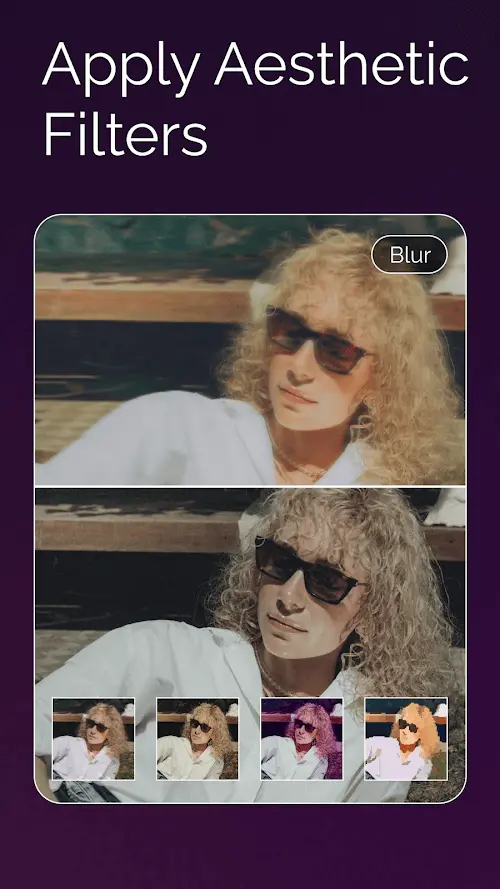
A good filter can completely change the atmosphere of a photograph. Meitu includes a selection of visual styles that allow users to explore different moods without rebuilding an image from scratch. Warm, soft, colorful, artistic, and modern looks can all be created by combining filters with manual adjustments.
Effects can also be layered into an image to make it more distinctive. This gives users plenty of room to experiment rather than forcing every photo into the same visual style.
AI-Powered Editing Experience
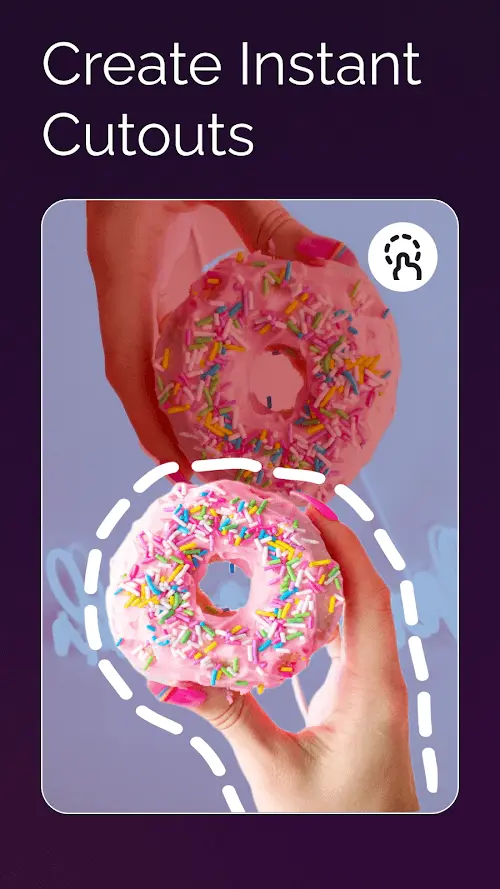
Meitu incorporates intelligent editing features to simplify tasks that would traditionally require more manual work. Depending on the available tools and version, these functions can assist with areas such as portrait enhancement, creative transformations, image generation, and other visual adjustments.
The advantage is convenience. Instead of understanding every technical editing parameter, users can begin with an automated result and then fine-tune the image according to their own preferences.
Photo and Video Editing
Meitu is not limited to static photographs. Its editing experience also extends to short-form video content, giving creators additional ways to prepare content for modern social platforms. Adjustments, effects, decorative elements, and other creative tools can help make simple clips more engaging.
This combination makes the app suitable for people who regularly switch between photos and videos. Rather than using separate applications for every small task, users can handle many everyday editing needs from the same place.
A Simple Workflow for Everyday Editing
One reason beginners may enjoy Meitu is its relatively approachable workflow. After selecting an image, you can begin with automatic enhancement or move directly into manual editing. From there, the process can be as simple or detailed as you want.
A practical approach is to adjust the overall brightness and color first, then work on portrait details if necessary. After that, you can add a filter or creative effect and review the final image before saving it. Keeping adjustments moderate is often useful when you want the result to remain realistic.
For social media content, you can also combine several tools to establish a consistent visual style. Using similar filters, colors, and effects across multiple images can make a photo collection feel more cohesive.
Meitu APK for Social Media Creators
Social media users often need to create attractive content quickly, and this is where a versatile editor can make a noticeable difference. Meitu provides a convenient collection of tools for enhancing selfies, travel photos, lifestyle images, short videos, and other everyday content.
The app can also be useful for experimenting with trends. Instead of copying one fixed editing style, you can combine different effects and adjustments to develop a look that matches your personality. This flexibility is valuable for creators who want their content to feel recognizable while still changing from post to post.
Tips for Getting Better Results
Keep Retouching Balanced
Heavy retouching can sometimes make a portrait look unnatural. Start with small adjustments and increase the intensity only when necessary. A balanced edit usually preserves more of the original character of the photograph.
Use Filters as a Starting Point
Rather than applying a filter and leaving everything unchanged, treat it as a foundation. After choosing a suitable style, adjust brightness, contrast, saturation, or other available settings to make the final result fit the original image.
Experiment With Different Styles
There is no single correct way to edit a photograph. Try different combinations of effects, filters, and decorative elements to discover what works best. Saving different versions can also help you compare styles before deciding which image to publish.
Is Meitu APK Suitable for Beginners?
Yes. Meitu is designed around an accessible editing experience, so users do not necessarily need professional photography or graphic design knowledge to get started. Beginners can rely on automated tools and presets, while more experienced users can spend additional time fine-tuning their images.
The app is particularly convenient for people who mainly edit portraits, selfies, social media images, and short videos. Its broad collection of creative functions also means that users can gradually explore more advanced options as they become familiar with the interface.
Why Meitu Can Be a Useful Editing Companion
The biggest advantage of Meitu is the balance between convenience and creativity. It does not force users to choose between one-tap editing and detailed adjustments. Instead, both approaches can be combined depending on the type of image and the result you want.
For someone who wants a quick improvement, automatic enhancement can reduce editing time. For users who enjoy experimenting, the combination of retouching, filters, effects, and creative tools provides much more freedom. This makes the app adaptable to different editing habits rather than being limited to one particular type of user.
Final Thoughts on Meitu APK
Meitu APK offers a practical way to enhance photos and create more eye-catching visual content without requiring complicated editing knowledge. Its portrait tools, creative filters, intelligent features, and video editing capabilities make it a flexible choice for everyday creators.
Whether you mainly take selfies, prepare photos for social media, or simply enjoy experimenting with different visual styles, Meitu provides plenty of tools to explore. The best results usually come from combining its convenient automatic features with a few thoughtful manual adjustments, allowing each image to retain its own character while looking cleaner and more creative.

- Updated:
- Price $0
- Installs 2167
- Rated for 12+ years
On our site you can easily download latest version Meitu! All without registration and send SMS!