Download Nova Launcher Prime APK 8.8.8 on Android
- Android 8.0+
- Version: 8.8.8
- 35 MB
Updated to version 8.8.8!

Nova Launcher Prime APK is a popular Android customization tool designed for users who want more control over the look, layout, and behavior of their home screen. With a clean interface, flexible customization options, gesture controls, and advanced app drawer settings, Nova Launcher Prime makes it easier to create an Android experience that feels personal and organized.
What Is Nova Launcher Prime APK?
Nova Launcher is an Android launcher focused on giving users greater freedom than the default launcher installed on their device. Instead of being limited to a fixed home screen layout, users can adjust icons, grids, folders, animations, gestures, and many other visual elements.
The Prime version expands the customization experience with additional features intended for users who want to fine-tune how their phone works. It can be especially useful for people who regularly change their wallpaper, icon arrangement, home screen structure, or navigation shortcuts.
Why Nova Launcher Prime Stands Out
One of the biggest strengths of Nova Launcher Prime is its balance between customization and simplicity. The launcher offers many settings, but the interface remains relatively straightforward, allowing beginners to start with basic changes while experienced Android users can explore more advanced options.
Rather than forcing everyone to use the same layout, Nova Launcher gives you the freedom to build a home screen around your own habits. You can keep things minimal with only a few icons or create a more detailed setup with multiple pages, folders, widgets, and shortcuts.
Key Features of Nova Launcher Prime
Flexible Home Screen Customization
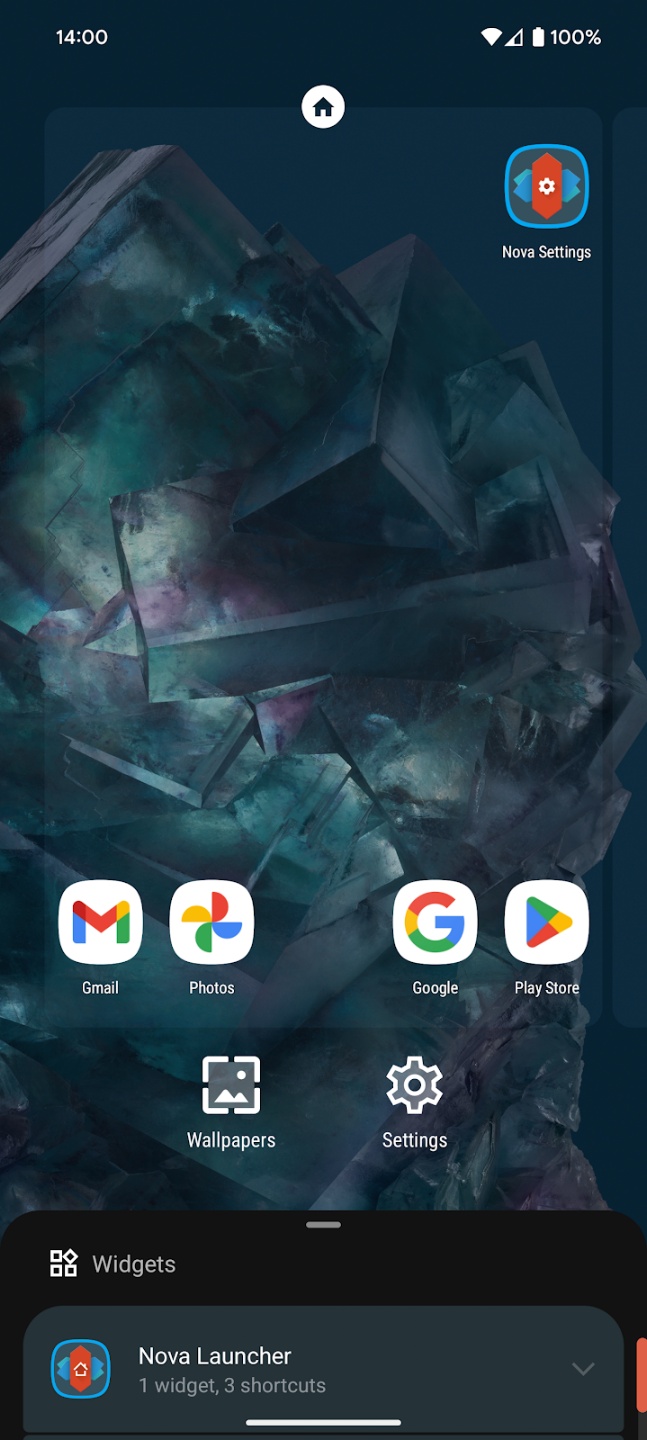
Nova Launcher Prime allows you to change the number of rows and columns on your home screen, adjust icon placement, resize widgets, and organize shortcuts more precisely. This makes it easier to create a layout that matches the size of your display and the way you use your phone.
Advanced App Drawer
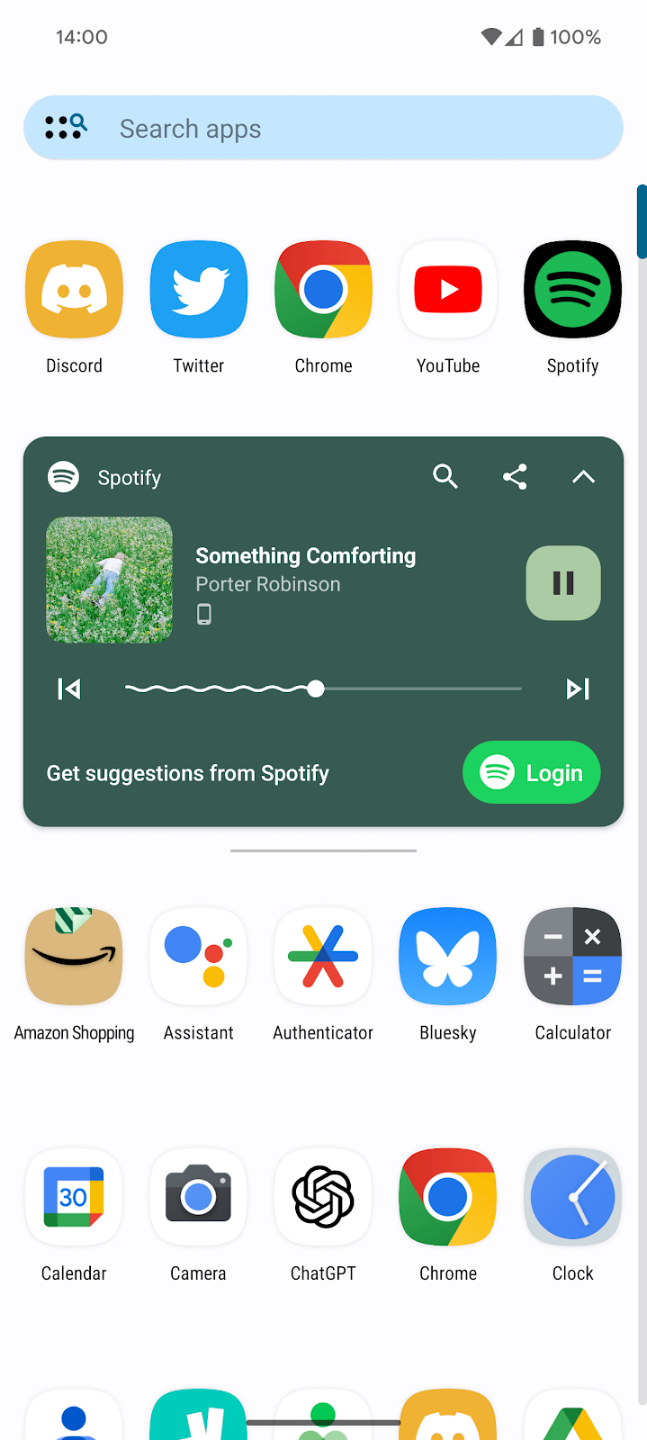
The app drawer can be customized to make installed applications easier to manage. Users can adjust its layout, scrolling behavior, and organization so frequently used apps are easier to access without filling the home screen with unnecessary icons.
Gesture Controls
Gestures are another useful part of the Prime experience. Depending on the device and configuration, users can assign actions to gestures such as swiping or double-tapping. These shortcuts can reduce the number of steps needed to perform everyday actions and make navigation feel faster.
Custom Icons and Folders
If you enjoy creating a consistent Android theme, Nova Launcher Prime provides plenty of room for icon customization. Apps can be arranged into folders, while icon sizes and placement can be adjusted to create a cleaner visual appearance.
Scrolling and Animation Options
Nova Launcher also gives users control over how screens and folders move. Transition effects and scrolling behavior can be adjusted to produce either a simple, lightweight interface or a more dynamic appearance. These small details can make a noticeable difference in the overall feel of the launcher.
Personalizing Your Android Experience
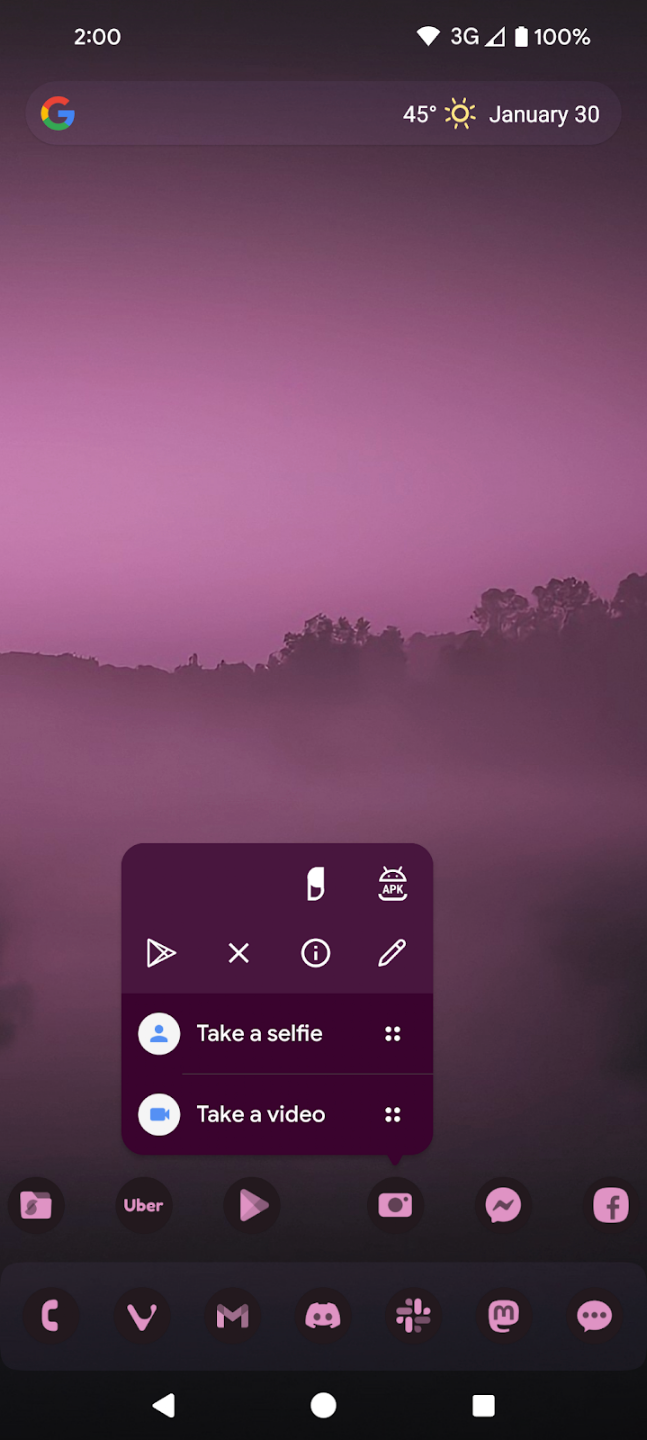
The main appeal of Nova Launcher Prime is that personalization does not stop at changing a wallpaper. You can combine a suitable icon pack, widgets, folders, grid settings, and gestures to create a complete home screen setup.
For example, someone who prefers a minimalist phone can reduce the number of icons and keep only essential shortcuts on the first page. Another user may prefer a productivity-focused layout with calendar widgets, frequently used applications, and gesture shortcuts. Nova Launcher can accommodate both approaches.
How Nova Launcher Prime Feels in Everyday Use
After setting up the launcher, the experience can feel more organized because frequently used applications and actions can be placed exactly where you expect them. Instead of adapting your habits to the default launcher, you can adapt the launcher to your habits.
The customization system is also useful for users who change devices regularly. Once you understand how the launcher works, recreating a preferred layout becomes much easier than starting from scratch with a completely different interface.
Nova Launcher Prime for Different Types of Users
For Minimalist Users
Nova Launcher Prime works well for anyone who wants a clean home screen. A simple wallpaper, a small selection of icons, and carefully chosen widgets can create an uncluttered interface without removing useful functionality.
For Power Users
Android enthusiasts can take advantage of deeper customization settings, gestures, app drawer controls, and detailed layout adjustments. These options make Nova Launcher particularly appealing to users who enjoy experimenting with different Android setups.
For Everyday Users
You do not need to spend hours customizing the launcher to benefit from it. Even simple changes such as adjusting the icon size, changing the home screen grid, or creating useful folders can make the phone easier to navigate.
Tips for Setting Up Nova Launcher Prime
A good approach is to begin with the basics instead of changing every setting at once. First, choose a suitable home screen grid and organize your most frequently used applications. Next, configure folders and widgets before experimenting with gestures and animation effects.
It is also worth keeping the home screen practical. A highly customized interface may look impressive, but a layout that makes everyday tasks faster is usually more enjoyable in the long run. Save more complex visual changes for later once the basic structure feels comfortable.
Is Nova Launcher Prime Worth Trying?
Nova Launcher Prime is a strong option for Android users who want more freedom over their interface. Its combination of layout controls, app drawer customization, gestures, folders, icons, and visual settings gives users considerably more flexibility than many standard launchers.
The launcher is particularly attractive if you enjoy personalizing your phone or feel restricted by the default home screen. At the same time, its features can remain useful even if your goal is simply to create a cleaner and more convenient setup.
Conclusion
Nova Launcher Prime APK offers a practical way to transform the Android home screen without making the experience unnecessarily complicated. From flexible layouts and app organization to gesture shortcuts and visual customization, it gives users the tools needed to build a launcher that matches their personal preferences. If customization, organization, and control are important to you, Nova Launcher Prime is worth exploring as a flexible Android launcher.

- Updated:
- Price $0
- Installs 23572
- Rated for 3+ years
On our site you can easily download latest version Nova Launcher Prime! All without registration and send SMS!